
Why Does the MacBook Air M2 Screen Crack? Summary of Causes and How to Fix It
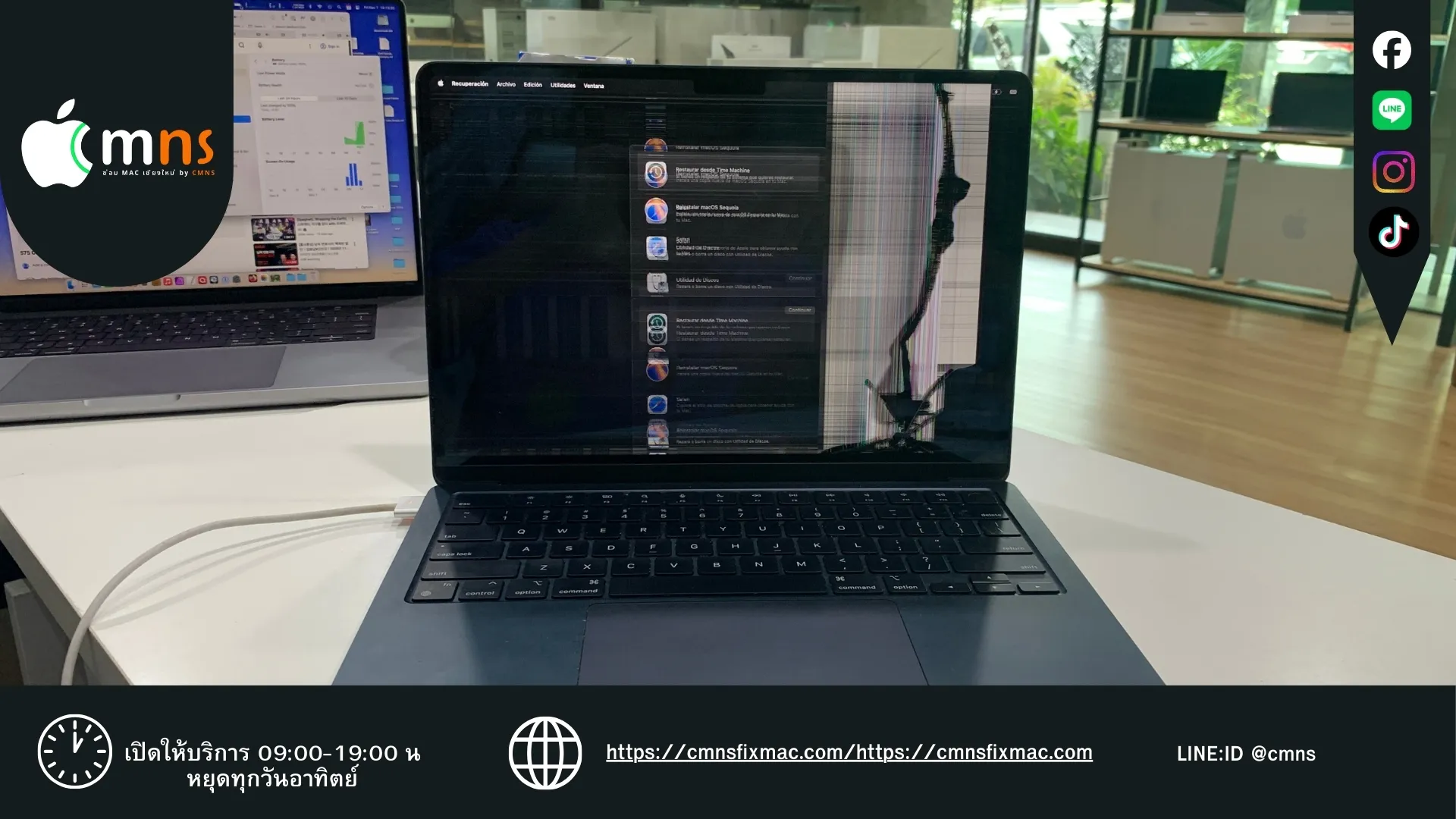
The MacBook Air M2 (A2681) is one of the most beautiful and thinnest laptops Apple has ever produced. However, beneath this sleek design and ultra-slim profile lies a hidden "fragility" that many users overlook. A cracked MacBook Air M2 screen has become a nightmare that happens more easily than expected, and the repair costs are certainly "painful."
This article dives deep into the real causes (often ignored), the symptoms of damage, and the repair options for the M2 screen, helping you decide which method best suits your needs.
Why Does the MacBook Air M2 Screen Break So Easily? (Hidden Causes)
Many people assume a screen only breaks from being "dropped." However, for the MacBook Air M2, with its thin bezels and minimal clearance (gap) between the screen and keyboard, the #1 cause is actually these small things:
1. The Silent Killer: "Pressure Damage" from Small Objects This is the most popular cause! Accidentally closing the lid on even the tiniest object creates massive pressure at a single point, causing the glass to crack from the inside.
- Webcam Covers: Even the thinnest ones are strictly prohibited on the M2.
- Keyboard Silicone Covers: Especially thick or non-standard models.
- Dust/Sand Grains: Tiny hard particles stuck in the keyboard grooves.
- Earphones/Paperclips: Accidentally leaving them on the palm rest and folding the screen down.
2. Improper Handling Squeezing the corners of the screen too hard to open the lid, or picking up the machine by holding the corner of the display, can create torque that damages the delicate Liquid Retina panel inside.
Check Now! Symptoms of a "Broken Screen"
Damage to the M2 screen isn't always a visible crack on the glass. The following symptoms also indicate that your screen needs repair:
- Lines on Screen: Vertical or horizontal lines (Green, Pink, or White).
- Black Spots/Ink Blots: Black circles that look like leaking ink (caused by a broken LCD panel).
- Flickering/Color Distortion: The image shakes, or colors display abnormally.
- Black Screen: The machine turns on, the keyboard lights up, but the screen remains completely dark.
Repair Options: Full Assembly vs. Inner LCD Replacement – Which to Choose?
When the screen breaks, there are currently two main repair approaches for the MacBook Air M2, each with different pros and cons:
photo_library
Additional Photos
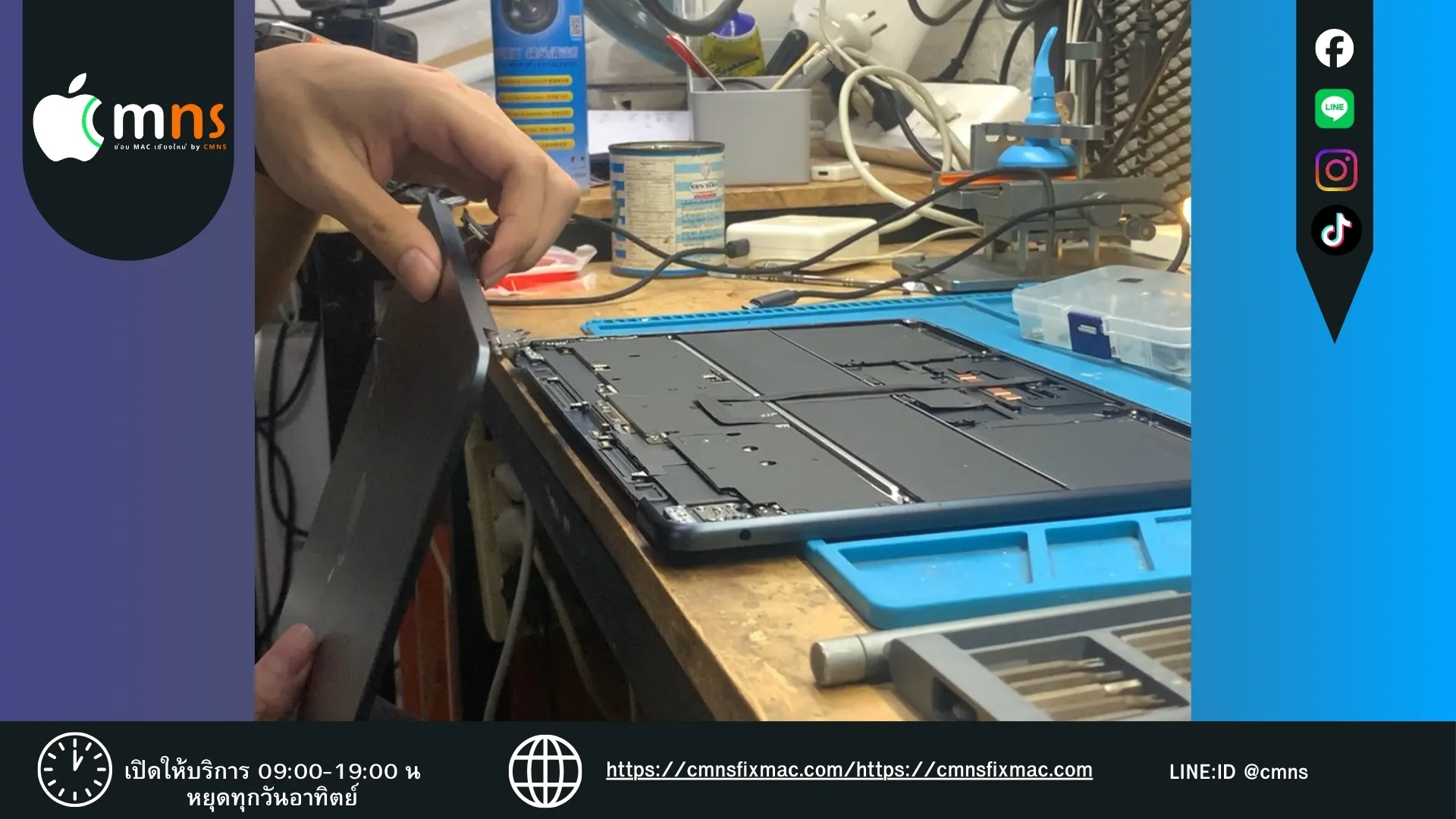
Option 1: "Full Assembly" Replacement This involves replacing the entire new hinge assembly (the user gets the screen, glass, back cover, and a new camera as a complete set).
✅ Pros:
✅ Pros:
- Complete Quality: You get a complete spare part that is pre-assembled, reducing the risk of assembly issues.
- Like New: You get a brand-new aluminum back cover, free of original scratches.
- Fast: The replacement process is not complex and takes little time.
❌ Cons:
- High Cost: This is the most expensive method because you have to replace all parts (including the back cover and camera), even if those parts were not broken.
Option 2: "Inner LCD" Replacement This involves repairing the screen by replacing only the damaged internal display panel (LCD/Panel), while reusing your original aluminum back cover and camera.
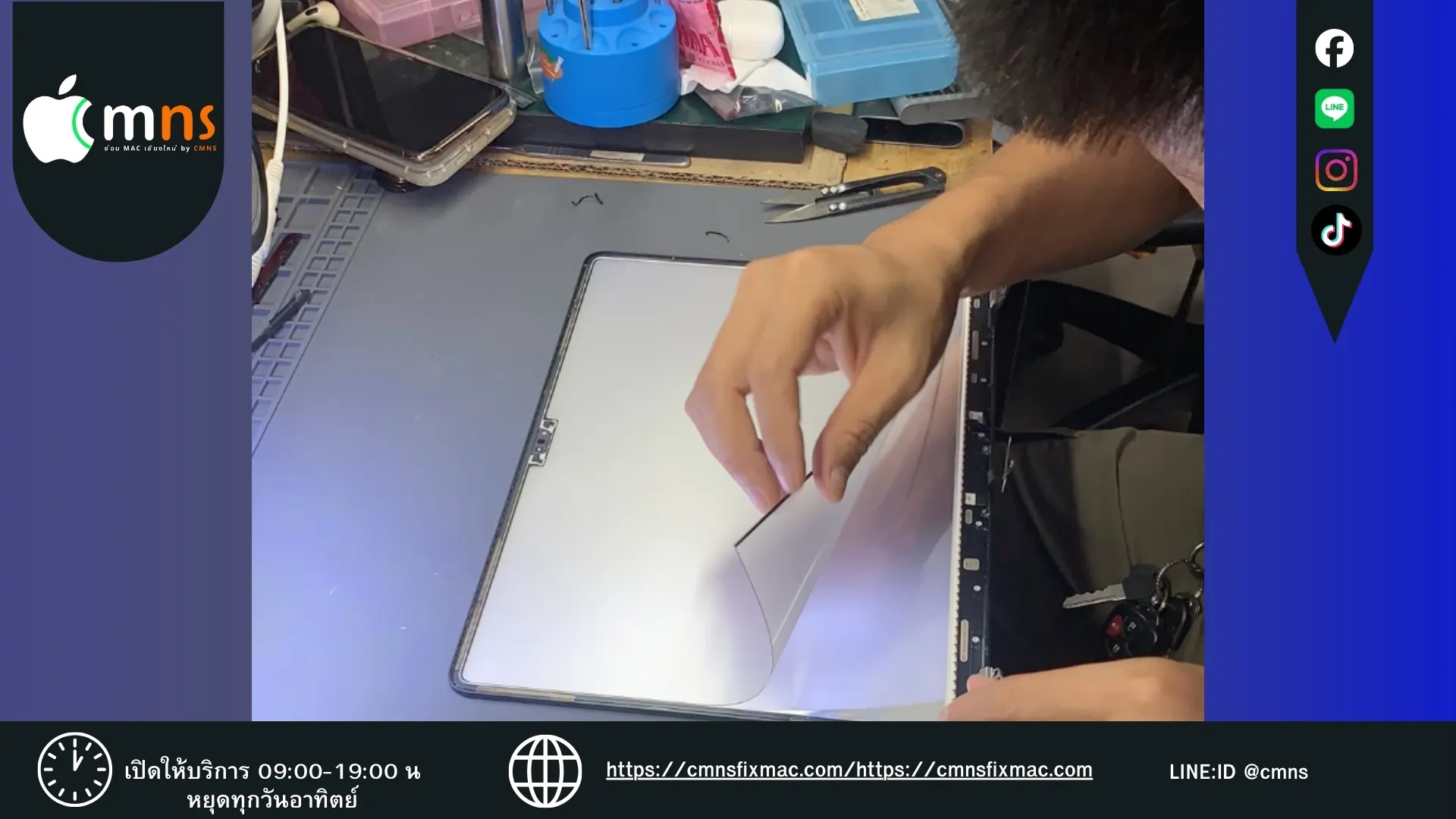
Option 2: "Inner LCD" Replacement
This involves repairing the screen by replacing only the damaged internal display panel (LCD/Panel), while reusing your original aluminum back cover and camera.
This involves repairing the screen by replacing only the damaged internal display panel (LCD/Panel), while reusing your original aluminum back cover and camera.
✅ Pros:
- Economical: The cost is significantly lower than a full assembly replacement.
- Cost-Effective: You pay only for the part that is actually broken (the screen itself). Ideal for those wanting to save their budget.
❌ Cons:
- Requires High Skill: This is delicate work requiring specialized tools to delaminate and re-laminate the screen.
- Takes Longer: The process is more complex than a full assembly swap and may take slightly longer to complete.
Here is the English version:
How to Prevent Repeat M2 Screen Damage (Pay Once, Not Twice!)
- Stop Using Webcam Covers: Use a thin sticker or a piece of paper instead if you are concerned about privacy.
- Clear the Keyboard Before Folding: Build a habit of "Look before you close" every single time.
- Use a Protective Sleeve: Do not carry the naked laptop in a bag mixed with chargers or keys.
A cracked MacBook Air M2 screen is a fixable problem, but choosing the right repair method can save you a significant amount of money. We hope this information helps make your decision easier!
 LINE
LINE
auto_awesome
Related Articles

Apple device acting up?
Free diagnosis before every repair · Genuine parts · Up to 1-year warranty