
Use Mac as a Hotspot to share internet? How to set up Internet Sharing and limitations you should know
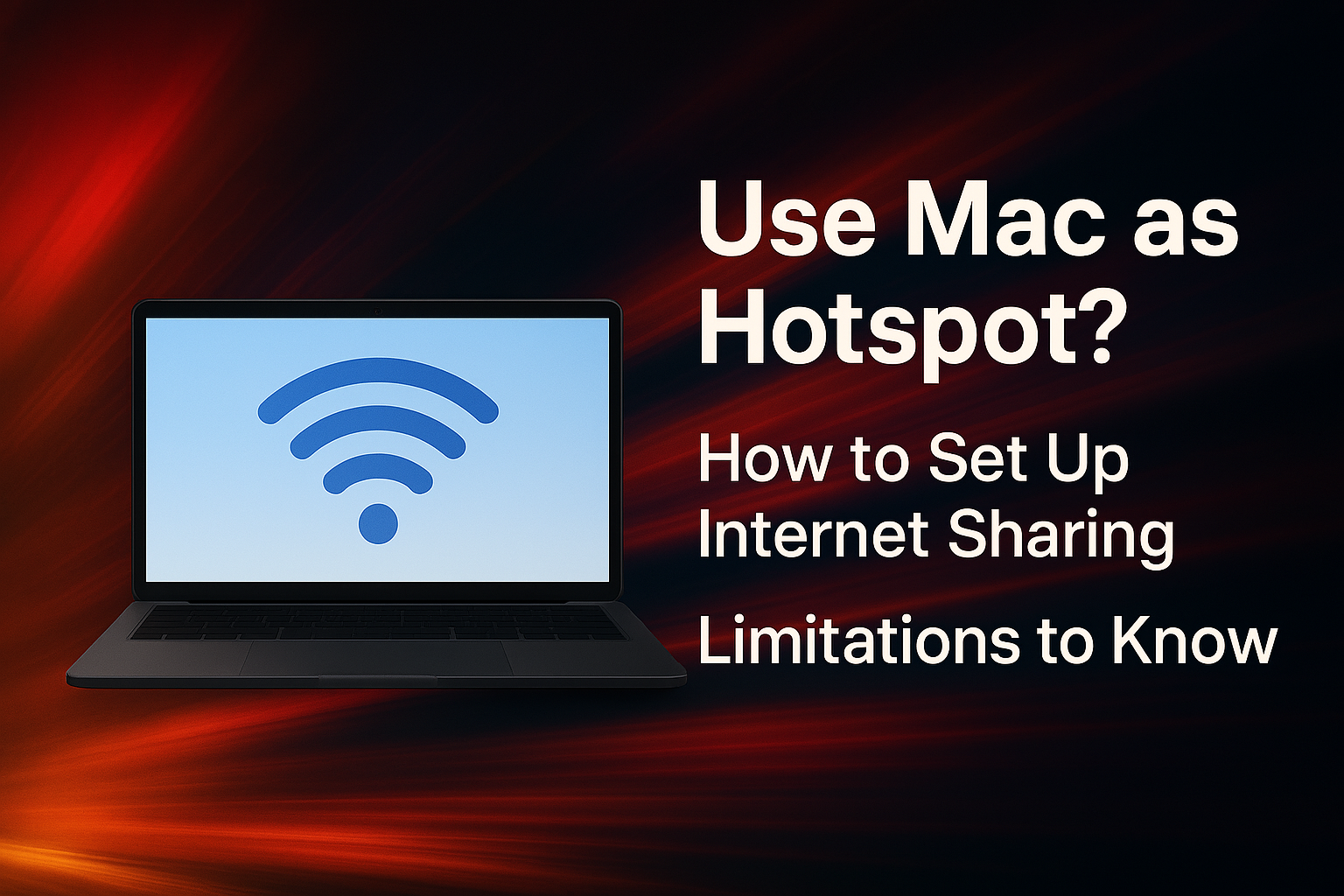
Use Mac as a Hotspot to share internet? How to set up Internet Sharing and limitations you should know
Many people may not know that Macs can share their internet with other devices just like smartphones, using a feature called Internet Sharing, which can turn your Mac into a wired or wireless Hotspot. However, there are some limitations you should know before using it.
🔧 How to set up Internet Sharing on Mac
✅Things to prepare
Many people may not know that Macs can share their internet with other devices just like smartphones, using a feature called Internet Sharing, which can turn your Mac into a wired or wireless Hotspot. However, there are some limitations you should know before using it.
🔧 How to set up Internet Sharing on Mac
✅Things to prepare
- Mac running macOS Ventura or later
- Internet connection via Wi-Fi or Ethernet
- Device to connect, such as an iPhone, iPad, or laptop
💡Important Note: macOS does not allow you to share a Wi-Fi connection over Wi-Fi (i.e., receive Wi-Fi and then re-broadcast it as Wi-Fi). You must receive the internet via Ethernet or USB to share it wirelessly.
⚠️ Limitations of Internet Sharing on Mac
Aspect Details
Share Wi-Fi → Wi-Fi ❌ Not directly possible
Share Ethernet → Wi-Fi ✅ Possible
Share Mobile Internet via USB ✅ Works in some cases
Security WPA2 Personal option available
Battery Life MacBook will consume more power
Speed May decrease when sharing with multiple devices
📌Is Using Your Mac as a Hotspot a Good Idea?
Pros:
- Useful in emergency situations when a Wi-Fi router isn't available.
- Can provide a more stable connection to iPhones/iPads via a wired connection.
Cons:
- Cannot receive Wi-Fi and then re-broadcast it as Wi-Fi.
- Can impact your Mac's performance and temperature.
🔚Summary
Using your Mac as a hotspot with the Internet Sharing feature is a useful option in various scenarios, especially when a router isn't available. However, it's important to understand its limitations, such as not being able to share Wi-Fi over Wi-Fi, and to be mindful of security and power consumption.
 LINE
LINE
auto_awesome
Related Articles
How to apply for an Apple ID in detail. You can do it yourself easily.
31 May 2025
Night Shift vs. True Tone: Understanding the Differences & Benefits
17 Jun 2025
How to Check Serial Number, Model and Year of Mac for Warranty Check
22 May 2025
Checking Your iPhone: Has It Been Repaired or Had Parts Replaced?
30 Jun 2025Apple device acting up?
Free diagnosis before every repair · Genuine parts · Up to 1-year warranty