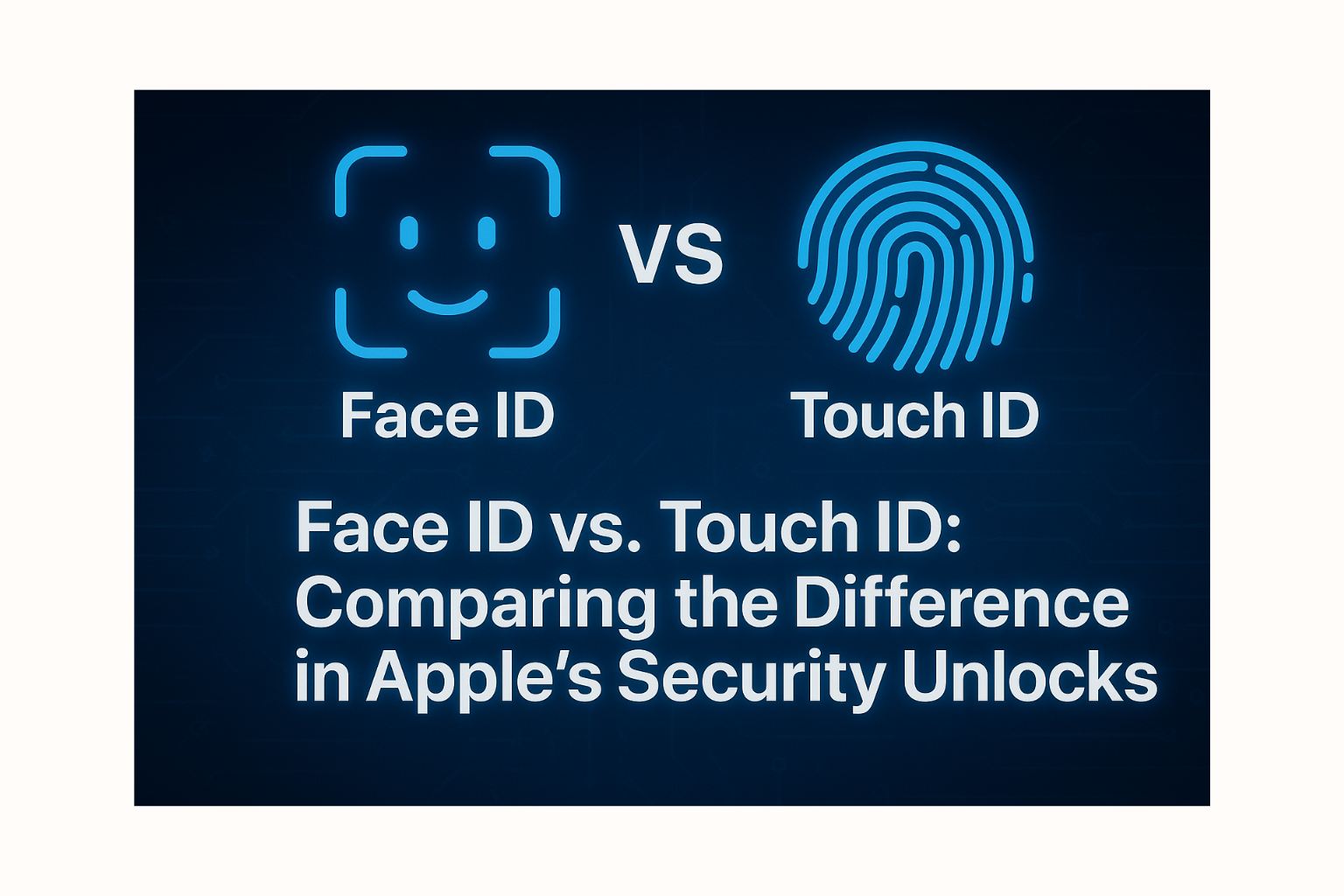
Face ID vs Touch ID: A Deep Dive into Apple’s Security Unlock Systems
In the world of Apple devices, secure access is crucial. Face ID and Touch ID are two of Apple’s main biometric authentication technologies that allow users to unlock their devices quickly and securely. But how are they different? This article explores the mechanics, pros and cons, and ideal use cases of each system.
The Key Difference: User Authentication Method
The most fundamental difference between Face ID and Touch ID is the method of user identification:
- Face ID: Uses 3D facial recognition to create a detailed depth map of your face. It relies on the TrueDepth camera system, which projects thousands of infrared dots onto your face to build a unique facial map, then compares it with the stored facial data.
- Touch ID: Scans your fingerprint. The sensor reads the fingerprint’s ridges, pores, and sweat glands to create a mathematical representation, which it then compares with your registered fingerprint data.
How They Work
Face ID
- Image Capture: The TrueDepth camera projects infrared dots to create a depth map and takes a 2D infrared image.
- Processing: Data is securely processed within the Secure Enclave, a secure area of Apple’s chip, to verify identity and prevent spoofing.
- Accuracy: Face ID adapts to changes in appearance, such as wearing glasses, hats, or even new hairstyles.
Touch ID
- Scanning: Users place a finger on the Touch ID sensor, which may be located on the Home button or side button.
- Mapping: The sensor reads the fingerprint pattern and converts it into a mathematical representation.
- Verification: Data is matched with what's stored in the Secure Enclave to confirm identity.
Pros and Cons
Face ID
Pros:
- High convenience: Just a glance unlocks the device, especially useful when your hands are full.
- Strong security: 3D facial mapping is harder to spoof than 2D scans or fingerprints (based on current tech).
- Works seamlessly with Apple Pay and App Store: Makes transactions faster and easier.
- Adaptable: Recognizes users even with glasses or hats.
Cons:
- Less effective with face masks: Although Apple has improved Face ID compatibility with masks, some limitations remain.
- Requires proper positioning: The device needs to be aligned with your face.
- Privacy concerns: Some users may feel uneasy about their device constantly "seeing" them.
Touch ID
Pros:
- Familiar and simple: Many users are comfortable with the fingerprint system.
- Unaffected by face masks: Works well in situations where Face ID struggles.
- Versatile unlocking: Fingerprint can be read from various angles.
- Multi-user support: Multiple fingers (and users) can be registered—useful for shared devices.
Cons:
- Affected by wet/dirty fingers: Moisture or debris may interfere with scanning accuracy.
- Potentially less secure than Face ID: Fingerprints can theoretically be replicated more easily than 3D facial maps.
- Requires physical contact: Needs finger placement on the sensor.
Summary
Both Face ID and Touch ID are highly efficient Apple security systems, each with distinct strengths and limitations:
- Face ID prioritizes convenience and advanced security via 3D facial scanning. It’s ideal for quick, touch-free access.
- Touch ID offers familiarity, flexibility, and reliability in situations where Face ID might not perform as well—like when wearing a mask or using the device one-handed.
Choosing between the two depends on personal preference, usage context, and device compatibility. Most users benefit from Apple’s thoughtful integration of both technologies, designed to enhance daily convenience and security.
 Facebook
 LINE
LINE