Using Windows on Mac Made Easy with Parallels Desktop
What is Parallels Desktop?
Parallels Desktop is a virtual machine software developed to allow Mac users to install and run Windows or other operating systems within macOS without having to switch systems or restart the computer.
What is Parallels Desktop?
Parallels Desktop is a virtual machine software developed to allow Mac users to install and run Windows or other operating systems within macOS without having to switch systems or restart the computer.
Users can open Windows alongside Mac apps simultaneously, such as using Excel (Windows) together with Safari (Mac) seamlessly.
Basic Usage of Parallels
General Usage
Basic Usage of Parallels
General Usage
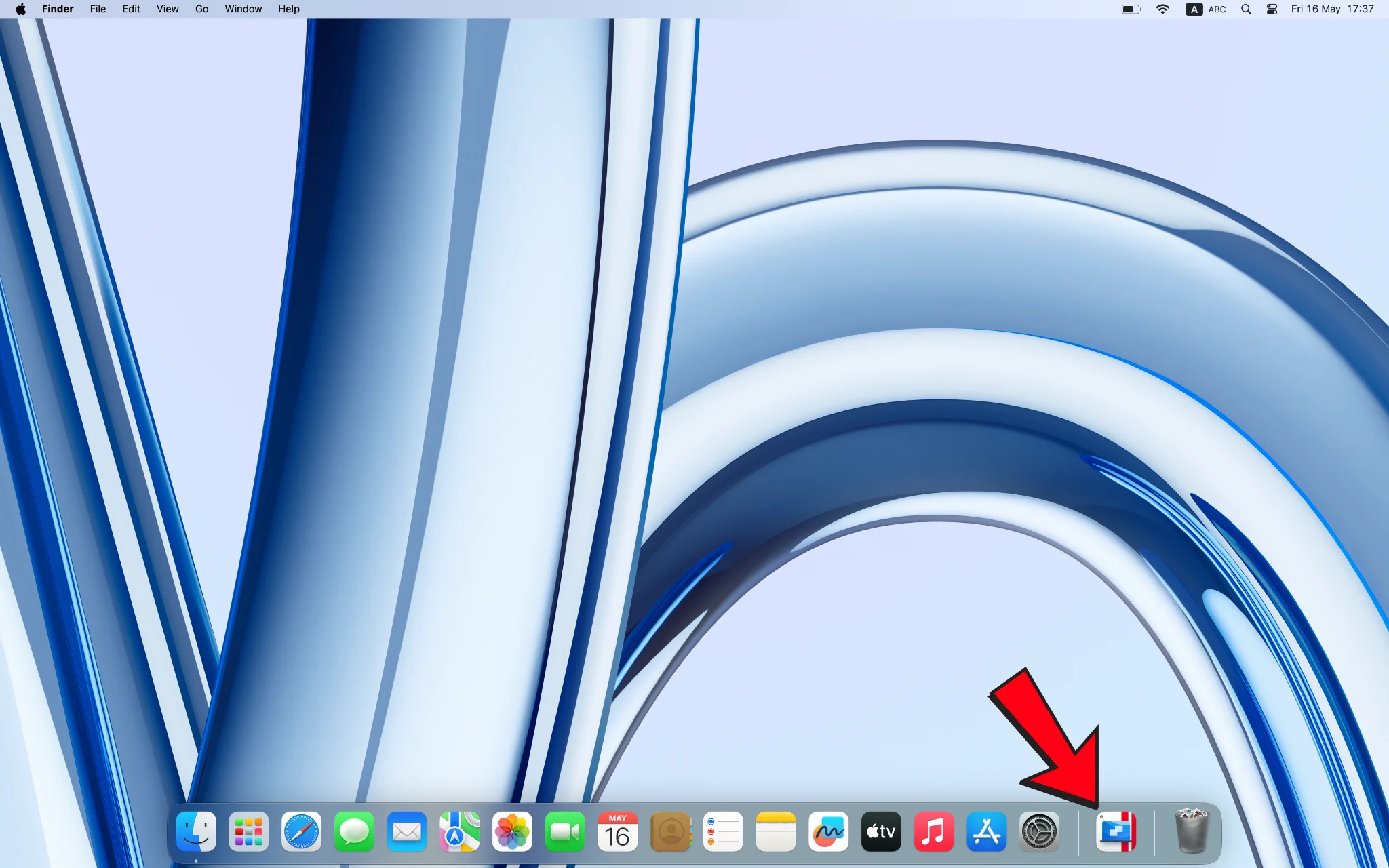
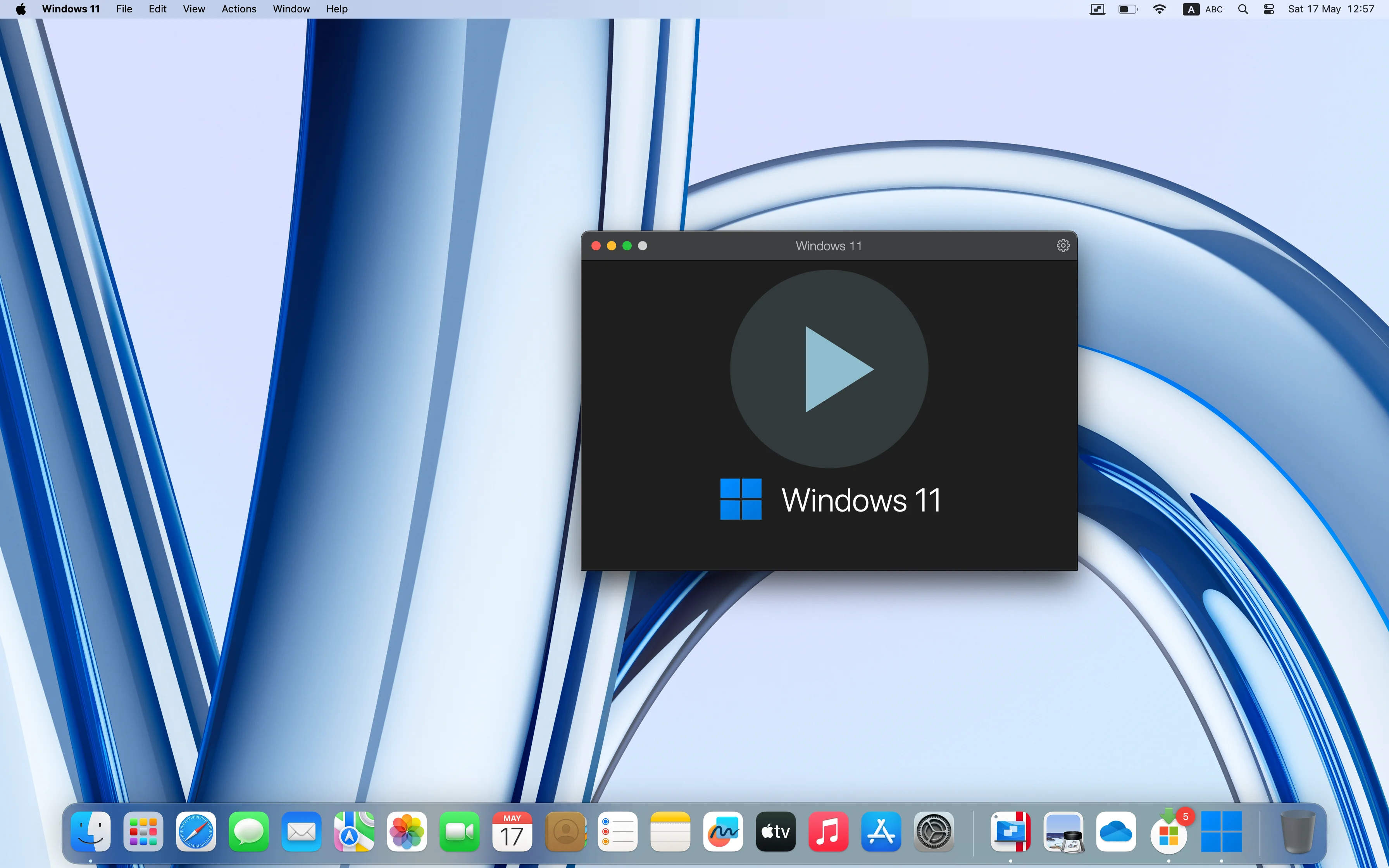
- After opening Parallels, double-click on VM (Windows 11)
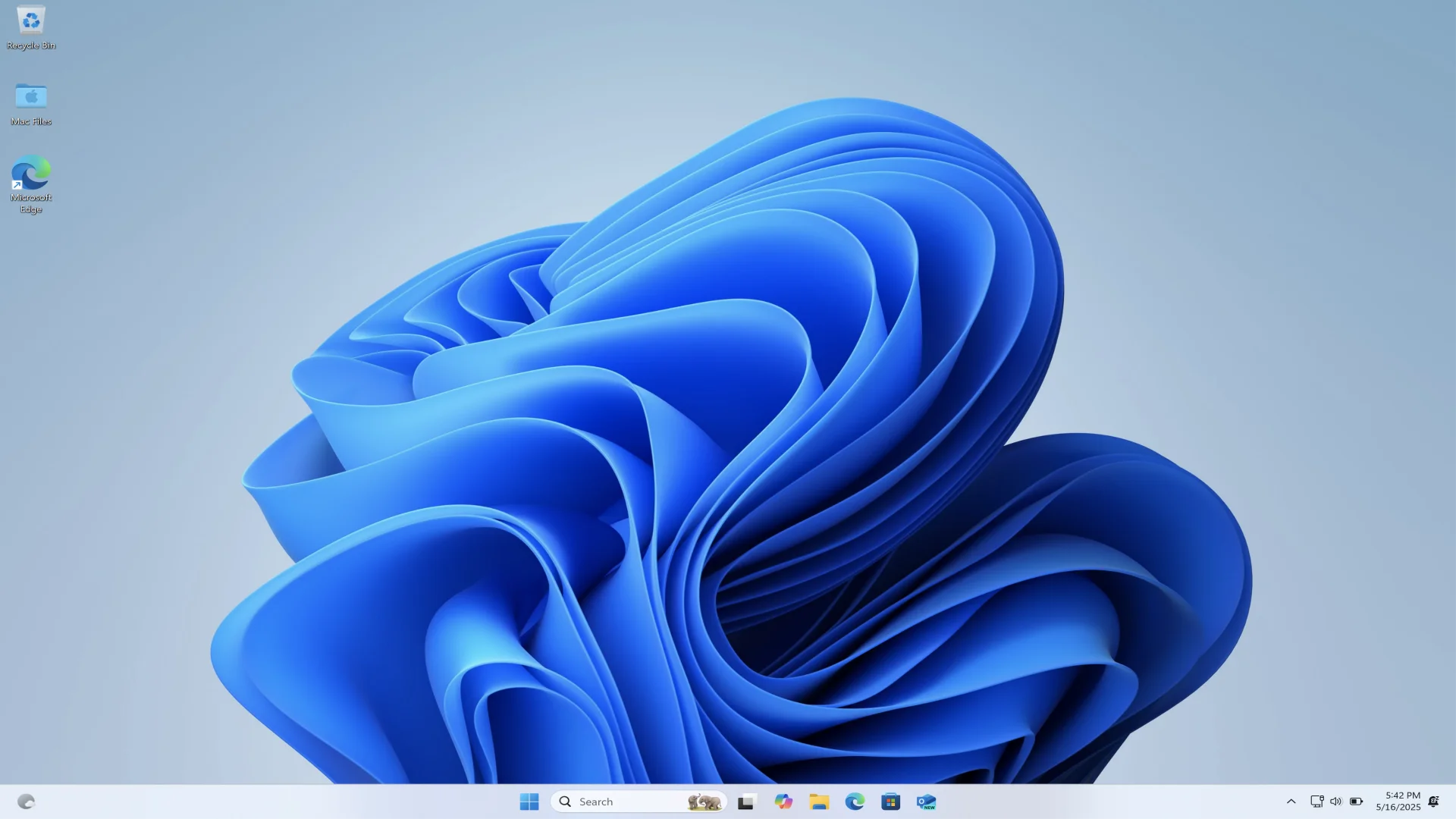
- Windows will open in a virtual window and can be used immediately
- You can run Windows apps and Mac apps simultaneously, such as Word (Windows) with Notes (Mac)
- Easy file sharing, text copying, and drag-and-drop files across systems
Special Coherence Mode
- Hides the Windows window leaving only the apps, such as opening Excel from Windows but appearing like a Mac app
- Perfect for those who don't want to see the full Windows screen
Advantages of Parallels Desktop
1. No Need to Restart
- Open Windows on Mac instantly while macOS remains running
2. Easy to Use Like Regular Apps
- Simple interface with automatic setup wizard, suitable for beginners
3. File and Device Sharing Support
- Use Flash Drive, Printer, or even USB camera in Windows, even when connected to Mac
4. Coherence Mode
- Seamlessly integrates Windows windows with macOS, as if you're not using Windows at all
5. Apple Silicon Support (M1, M2, M3)
- Runs smoothly even on new Mac models that no longer support Boot Camp
 Facebook
 LINE
LINE