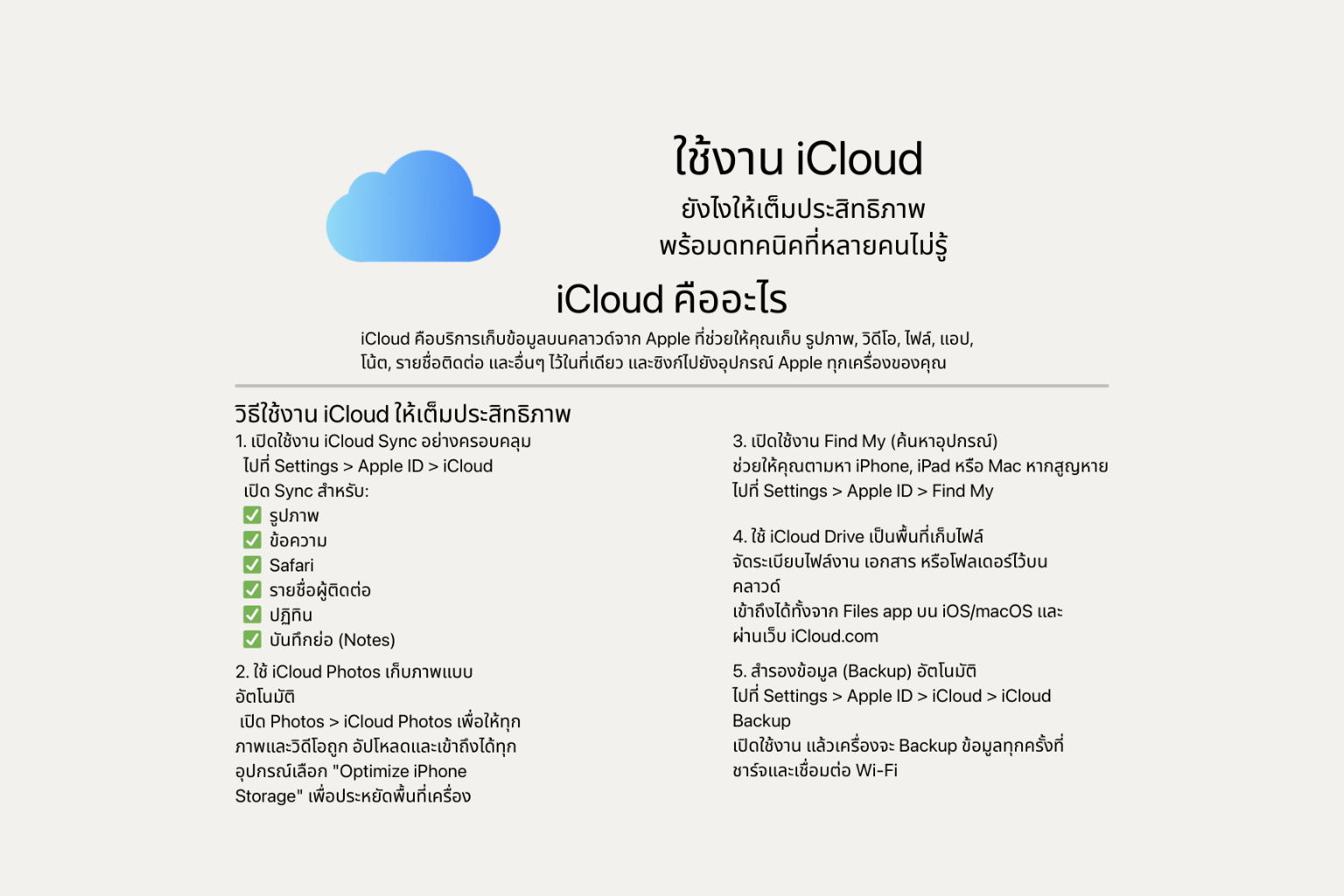
✅ What is iCloud?
iCloud is Apple’s cloud storage service that lets you store your photos, videos, files, apps, notes, contacts, and more — all in one place, and sync them seamlessly across all your Apple devices.
📌 How to Use iCloud Effectively
1. Enable Full iCloud Sync
- Go to Settings > Apple ID > iCloud
- then turn on sync for:
✅ Photos
✅ Messages
✅ Safari
✅ Contacts
✅ Calendar
✅ Notes
✅ Messages
✅ Safari
✅ Contacts
✅ Calendar
✅ Notes
2. Use iCloud Photos for Automatic Photo Backup
Go to Photos > iCloud Photos to upload all your photos and videos automatically and access them from any device.
Enable "Optimize iPhone Storage" to save space on your device.
Enable "Optimize iPhone Storage" to save space on your device.
3. Turn On Find My
Helps you locate a lost iPhone, iPad, or Mac.
Go to Settings > Apple ID > Find My and enable it.
Go to Settings > Apple ID > Find My and enable it.
4. Use iCloud Drive for File Storage
Organize your documents, work files, and folders in the cloud.
Access them via the Files app (iOS/macOS) or through iCloud.com.
Access them via the Files app (iOS/macOS) or through iCloud.com.
5. Enable Automatic Backups
Go to Settings > Apple ID > iCloud > iCloud Backup
Turn it on — your device will automatically back up when connected to power and Wi-Fi.
Turn it on — your device will automatically back up when connected to power and Wi-Fi.
🌟 Lesser-Known iCloud Features
✨ 1. Share Folders in iCloud Drive
Collaborate with others in real time — similar to Google Drive.
Collaborate with others in real time — similar to Google Drive.
✨ 2. Use “Hide My Email”
Generate random Apple email aliases when signing up for websites or apps to protect your real email address. (Available for iCloud+ users only)
Generate random Apple email aliases when signing up for websites or apps to protect your real email address. (Available for iCloud+ users only)
✨ 3. Create a Custom Email Domain
Use @yourdomain.com with iCloud Mail if you own a personal domain.
Use @yourdomain.com with iCloud Mail if you own a personal domain.
✨ 4. Share Photos via Shared Albums
Create photo albums that friends or family can contribute to collaboratively.
Create photo albums that friends or family can contribute to collaboratively.
✨ 5. Collaborate in Notes
Share notes that include checklists, photos, or files — and let others edit them in real time.
💡 Summary
Share notes that include checklists, photos, or files — and let others edit them in real time.
💡 Summary
iCloud is more than just cloud storage — it’s an all-in-one digital life management tool for Apple users.
When used to its full potential, it simplifies your workflow, data protection, and online security — making life easier, smarter, and more connected.
When used to its full potential, it simplifies your workflow, data protection, and online security — making life easier, smarter, and more connected.
 Facebook
 LINE
LINE